Google Play Store PC
Google Play is Google's digital distribution platform. On Windows, Google offers Play content through the browser and Google Play Games on PC.
52.9 MB
1001 TVs: Screen Mirroring is a Windows app from Nero for showing your PC's screen, photos and videos on a smart TV over the home network.
Average 0.0 · ratings: 0
Thank you! Your rating is saved; you can change it. Could not save the rating. Please try again later. Too many ratings from your network today. Please try again tomorrow. The average appears after 5 ratings.
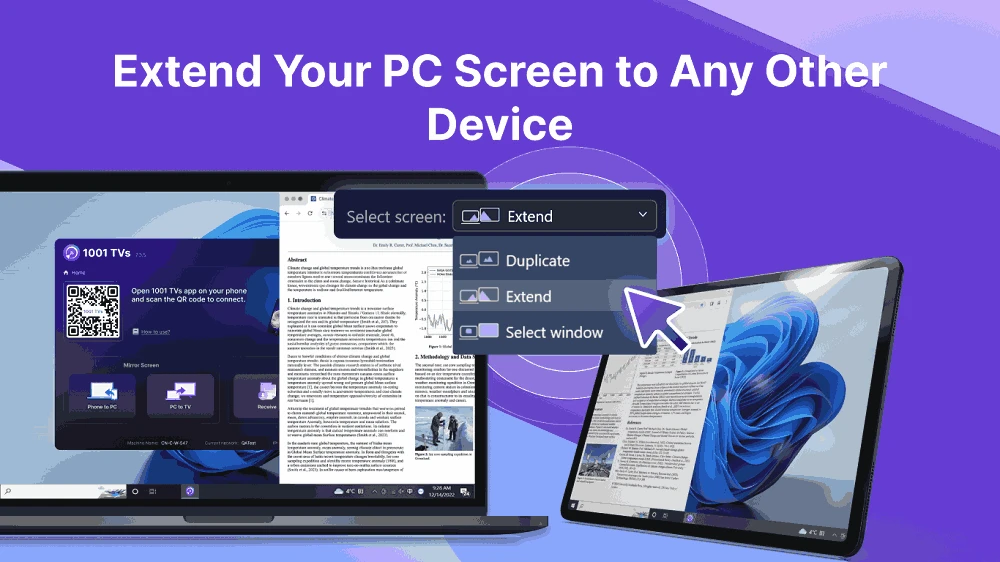
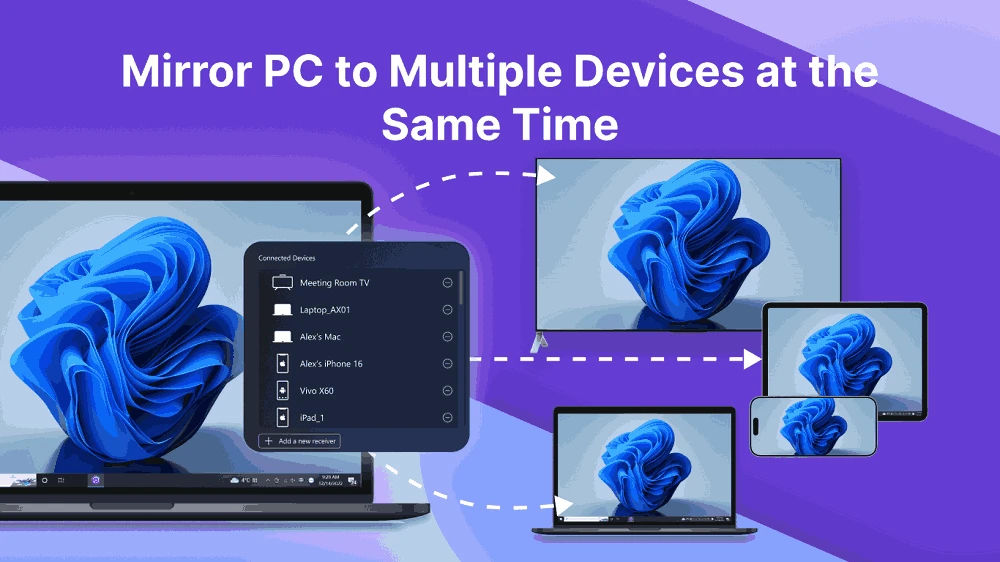
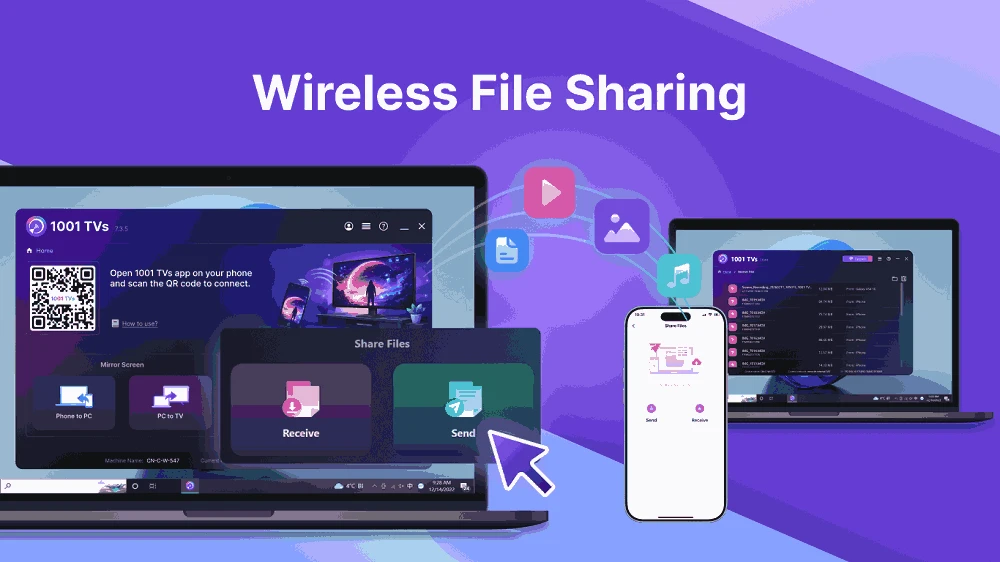
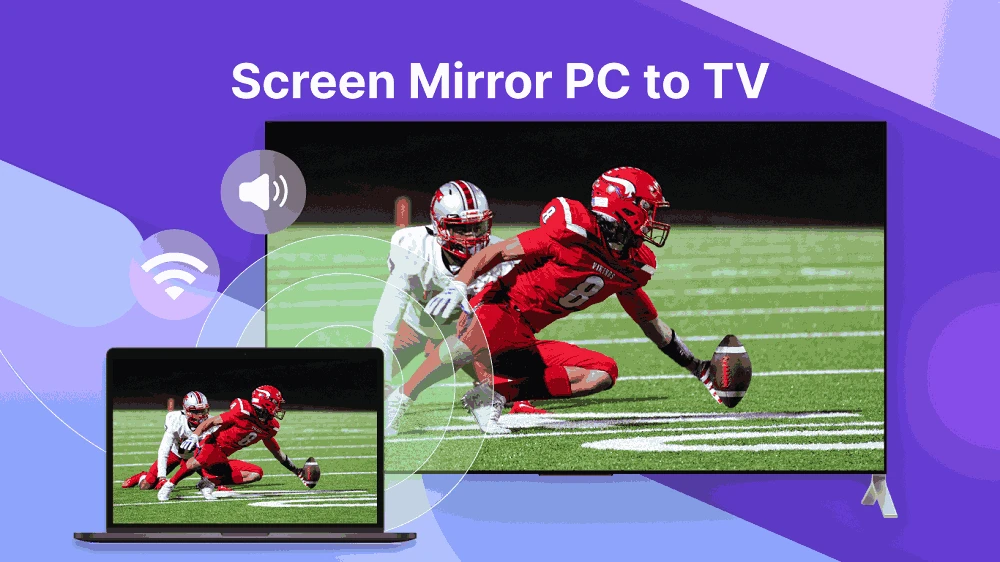
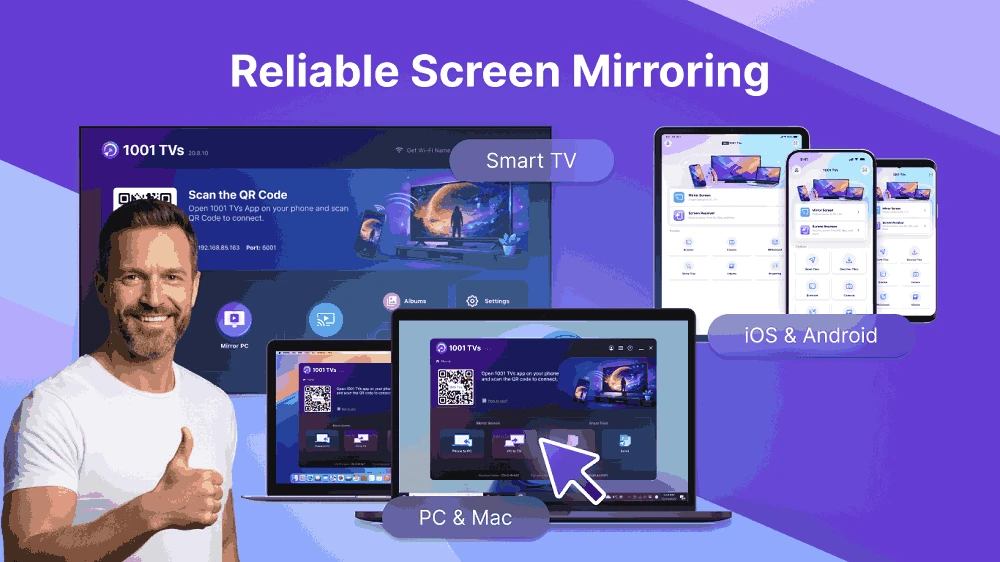
1001 TVs: Screen Mirroring 3.2.0 is a Windows app from Nero AG that sends your PC's screen to a smart TV over your home network. It is meant for people who want the big screen without cables: presentations, photo slideshows, videos or a browser window shown on the TV. You can download 1001 TVs: Screen Mirroring for Windows from the Microsoft Store.
Windows has a built-in way to project to wireless displays, but it only works with TVs and adapters that support that particular standard. Many smart TVs from different brands instead understand other network protocols for receiving media. 1001 TVs is designed to bridge that gap: it discovers compatible TVs on the same network and sends the picture to them. As the name suggests, the goal is to work with a wide range of models rather than one brand. The typical uses are showing holiday photos to the family, playing a video that is stored on the PC, running a slideshow at a small event, or displaying a web page to several people. Mirroring over Wi-Fi always adds a slight delay, which does not matter for photos and films but is noticeable in fast games.
The app is free to install. Some features or longer sessions may be tied to an in-app purchase; check the Store listing and in-app prices before buying.
Everything on the mirrored screen is visible to everyone in the room. Close personal emails and chats before starting, and stop mirroring when you are done.
For Samsung TVs, Easy Connection to Screen is Samsung's own app in our listings. To show a phone on a PC instead, see iMyFone MirrorTo.
Google Play is Google's digital distribution platform. On Windows, Google offers Play content through the browser and Google Play Games on PC.
Media Creation Tool is a free Microsoft utility that downloads Windows and turns it into a bootable USB flash drive or an ISO file.

LDPlayer is an Android emulator for Windows that runs mobile apps and games on a computer.

BlueStacks is an Android emulator for Windows that lets you run Android apps and games on your PC.
Rufus is a free Windows utility that turns a USB stick into a bootable installer. The current version is 4.15.

PC App Store is a free software store for Windows from Baidu for finding, installing and updating PC programs. This page covers version 5.0.1.8682.

Uptodown App Store for Windows is the desktop client of Uptodown, a marketplace for desktop software and mobile apps. This page covers version 1.0.3.
NoxPlayer is a free Android emulator from Bignox for Windows and macOS that runs mobile games and apps on a computer with keyboard and mouse control.